
The rain-and-thunder mix I use
I use Scofa Relax every day, and the mix I keep coming back to is simple: calm rain, thunder at a very low volume, a little wind, and Late Night Stroll Through Suburbia layered on top. When the story ends, the nature sounds keep playing, so the mood carries on instead of stopping short. A timer shuts everything off when I am ready. The best part is that the mix is genuinely mine, because I control every layer. Pressing play has become my signal that the busy part of the day is over.
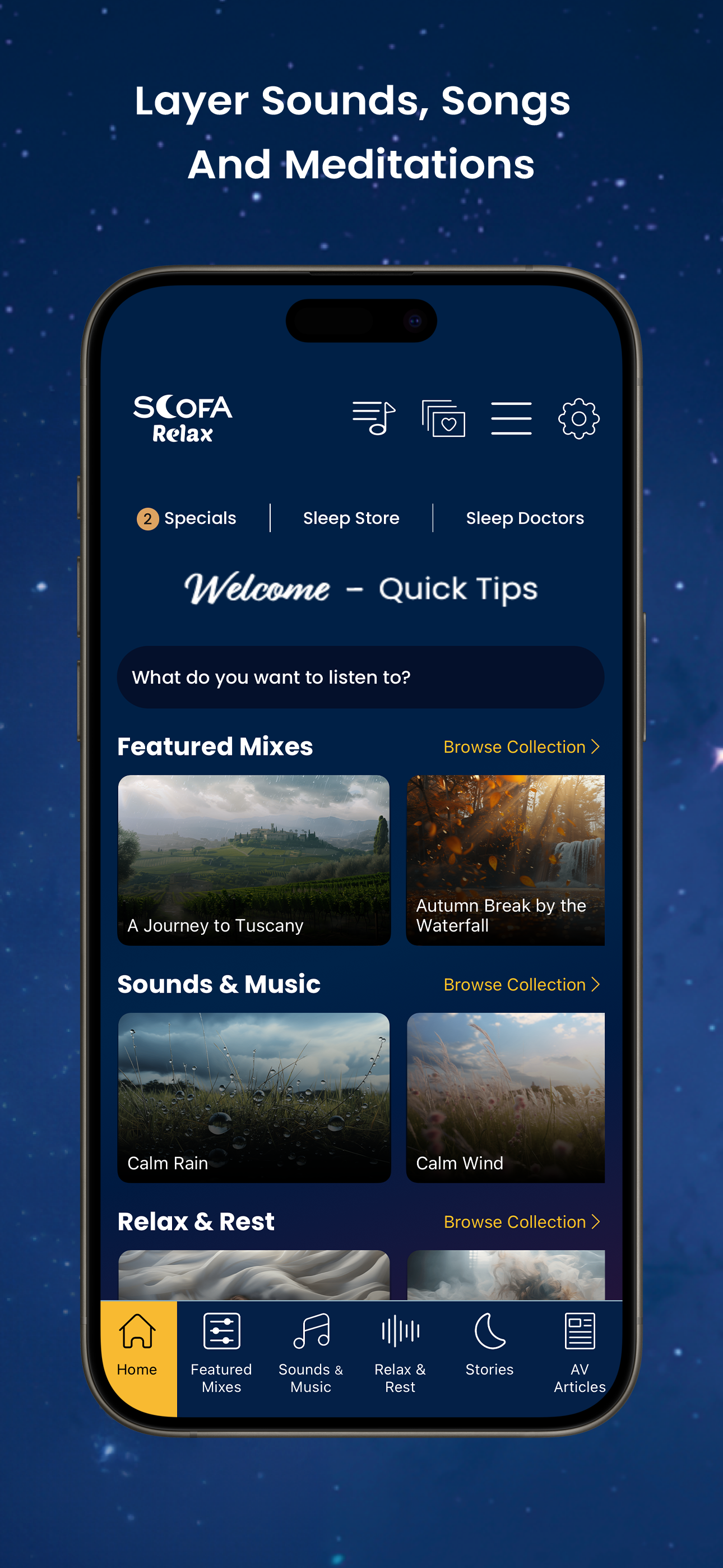
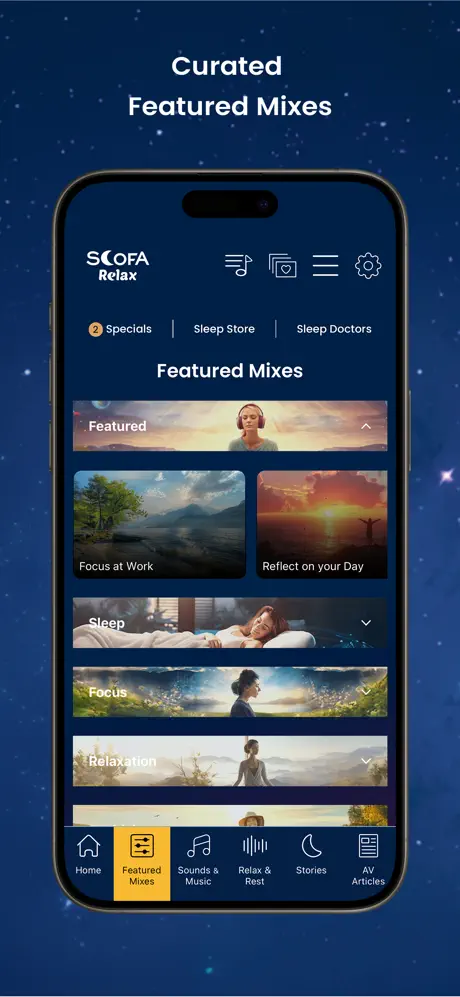
Adjust the sound one layer at a time
The mixer is where the app earns its place. You can combine nature sounds, music, stories, and relaxation tracks, each with its own volume, so nothing has to compete. Start with one background sound, then add a second underneath it. Rain and soft thunder are my preference, and the library gives you plenty of other starting points:
- Calm rain — steady, rhythmic raindrops
- Waves on rock — water breaking in a regular pattern
- Bamboo fountain — light, continuous trickling water
- Camp fire — crackling logs and warm embers
- Windy autumn, blizzard, and sailing — wind, weather, and creaking-ship texture when you want something with more movement
Because every layer has a separate slider, you can build a bed of sound that suits the room you are in rather than settling for a fixed track.
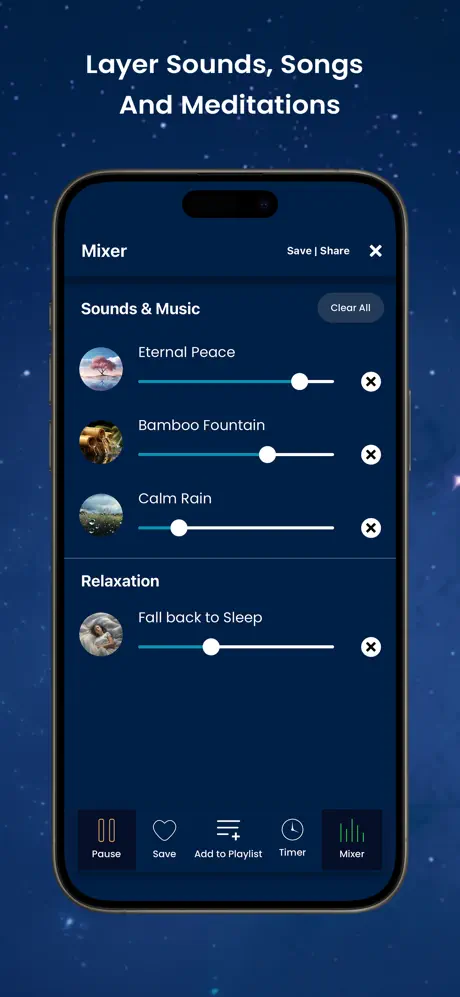
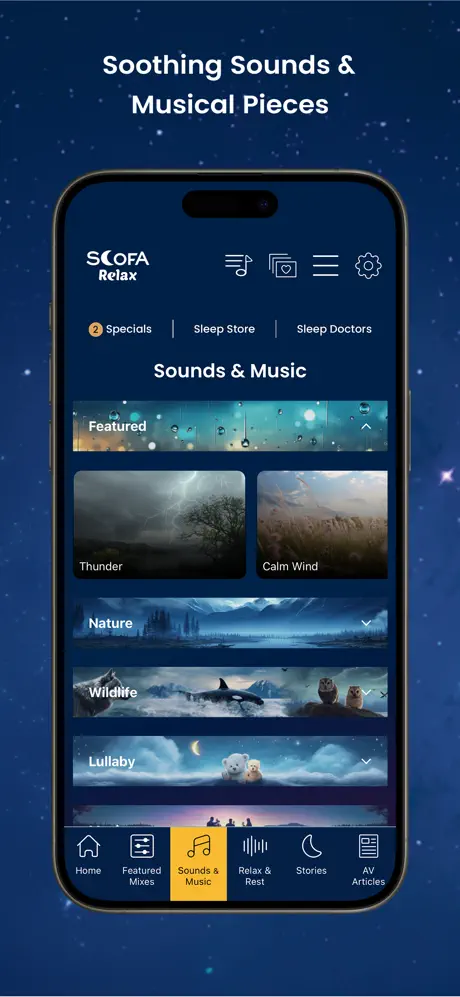
When you want a guided track
Some evenings, background sound is not quite enough and it helps to have someone lead. The guided collection is broad enough to match the mood you are in:
- Guided imagery and reflection
- Meditation and mindfulness
- Affirmations
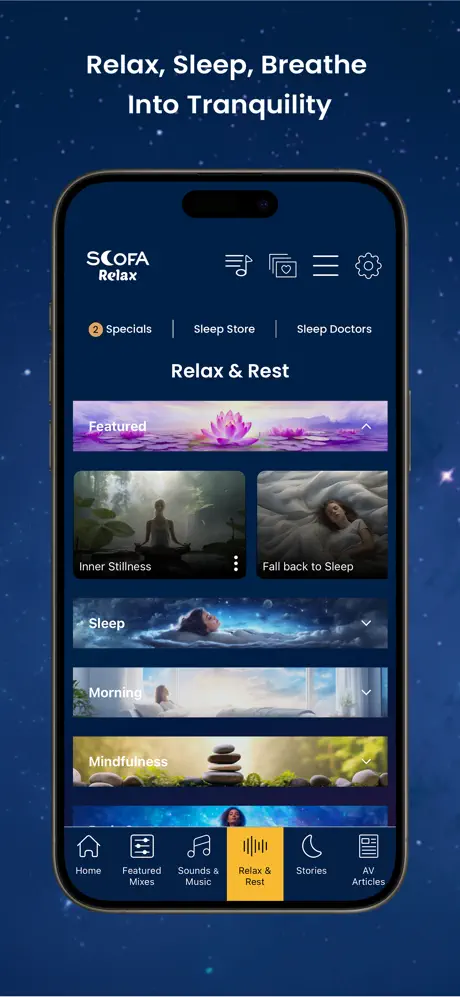
- Box breathing and body scans
- Morning routines, plus meditations made for kids
Pick a track when you want structure, and drop back to a plain sound mix when you do not.
Listening during the day
A saved mix is just as useful in daylight. Put one on while you read or stretch, choose a breathing track between meetings, or start the morning with one of the morning routines. The app is built for rest, but it works anywhere you want the room to feel calmer.
Save the mix instead of rebuilding it
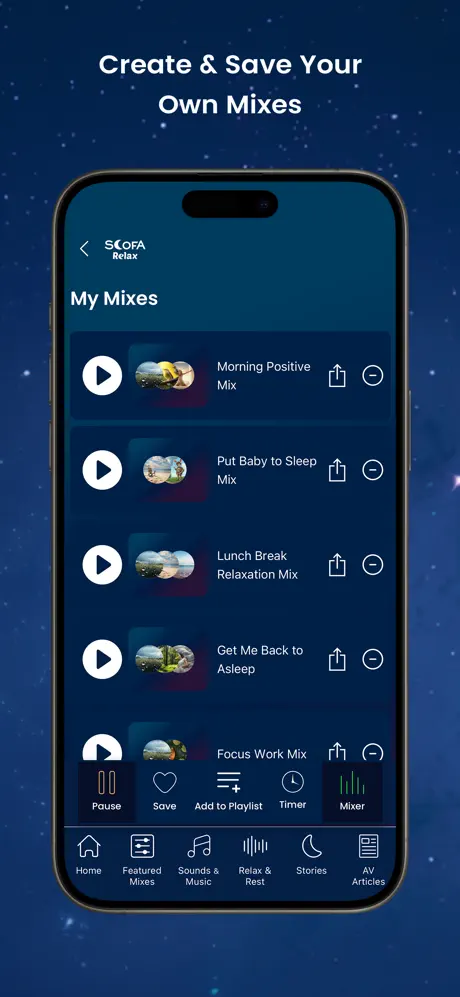
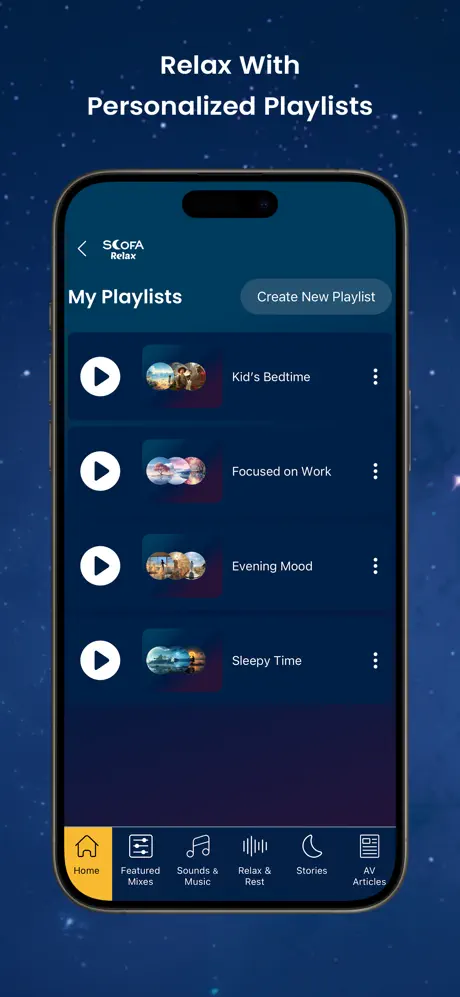
Custom mixes and playlists save, which is the feature that turns a nice app into a nightly habit. Build the sound once, name it, and it is waiting for you tomorrow. A bedtime playlist can stay completely separate from what you play during the day.
Stories over background sound
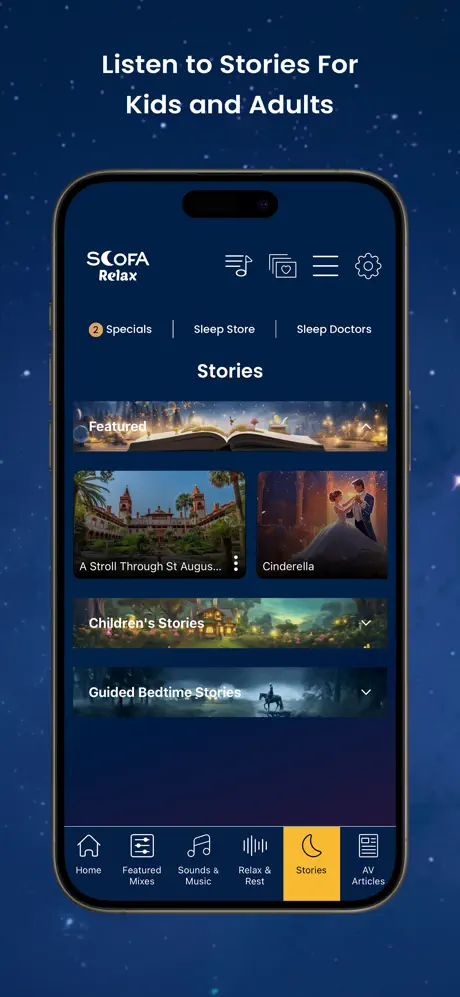
Scofa Relax includes stories for adults, and they play over the nature sounds rather than replacing them. In my usual mix, the background simply continues after the story ends, which is exactly what you want if you are already drifting off.
There are stories and meditations for children too, so a parent can pair a story with a quiet background and let the sound carry on once the story finishes.
Sleep articles and subscription options
The sleep-education section adds audio articles on sleep topics alongside the stories, sound mixes, and guided tracks, so the app doubles as a place to learn something about sleep rather than only listen.
Scofa Relax is available for iPhone and Android, and it is free to download. The U.S. App Store lists a 14-day free trial, then an $8.99 monthly or $59.99 yearly auto-renewing subscription for unlimited access to the sounds, meditations, stories, and sleep articles; check the current offer before you subscribe. For a first listen, keep it easy: choose one sound, lower the volume, and add a story only if you want one.