
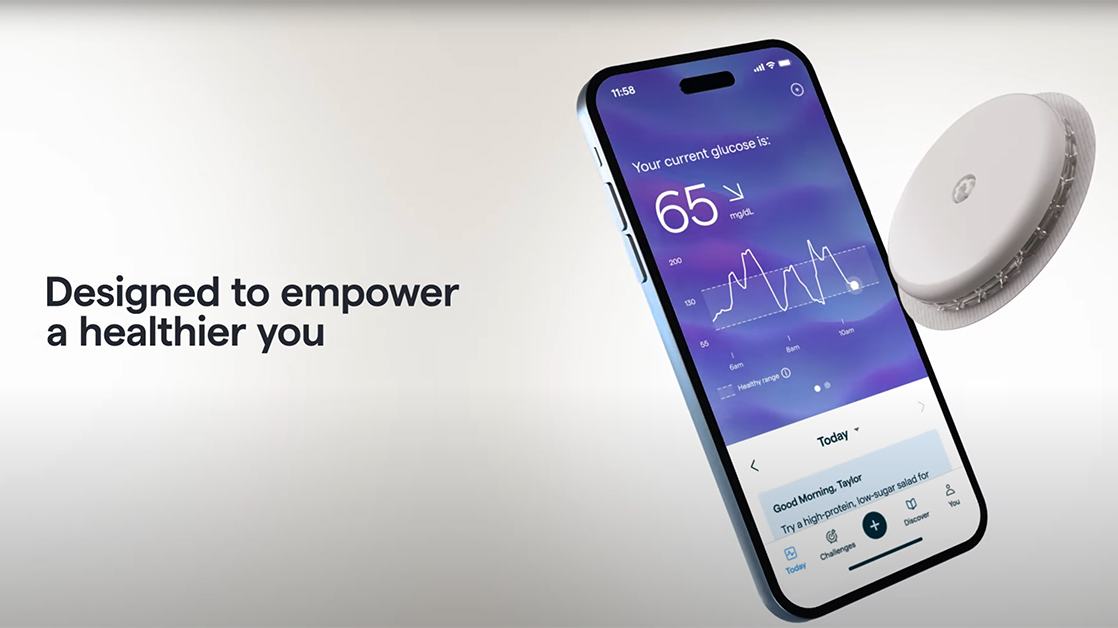
I often fell asleep on the couch after dinner. A friend suggested checking my glucose, so I tried Lingo. The sensor let me see what happened after I ate, so I could compare my meals with real readings instead of relying only on how tired I felt.
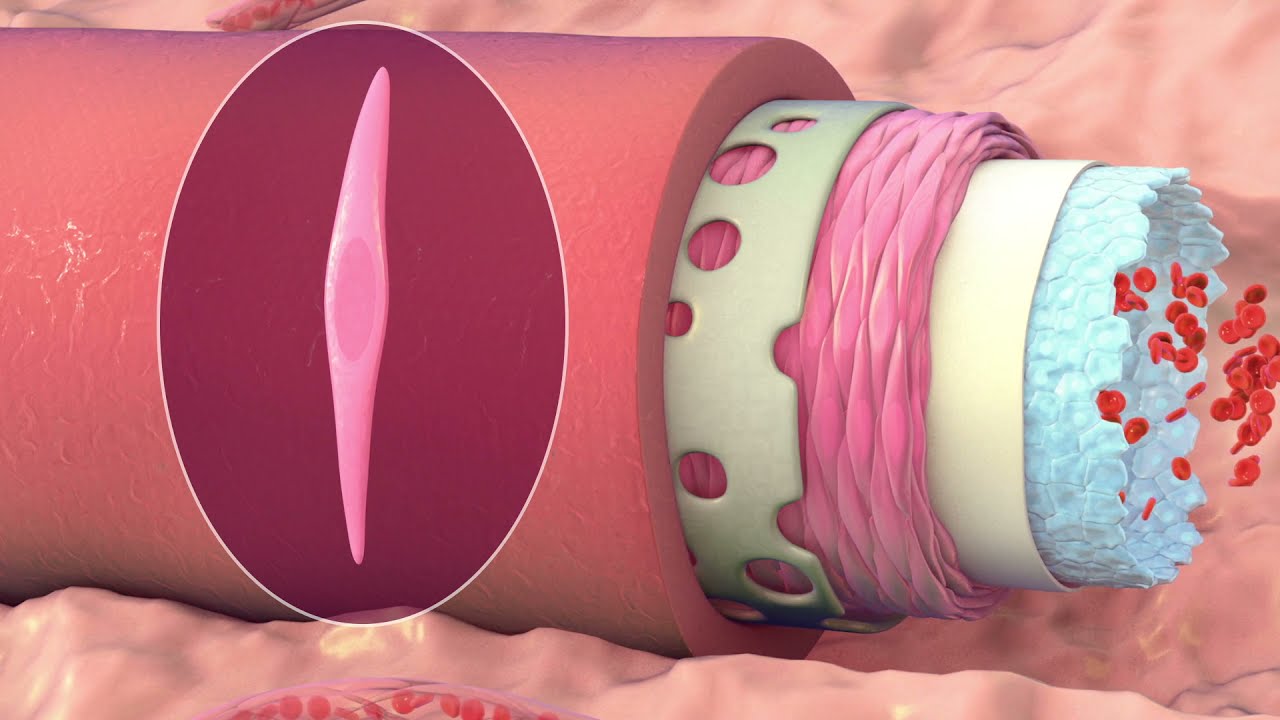
Lingo's short clip is set to music with a repeated refrain about how the future looks. Exclamations such as wow run through the soundtrack.
Consider subscribing to Lingo.
Getting started
I attached the sensor to the back of my arm and connected it to the app. In my experience, applying it was painless. I found the graphs easy to follow, and I quickly started watching what happened after particular foods.
The gummy rings on the counter
Someone had left a pack of gummy rings on the counter, and I ate the whole pack. Within about 20 minutes, the app showed a reading above 180 mg/dL. It came down fairly quickly afterward.
After church one Sunday, I had a couple of scoops of ice cream after lunch. The app showed a reading above 200 mg/dL. I noted that readings often came back down within about 30 minutes.
Bread was the hardest change
After a few weeks, I bought a sensor for my wife. We compared our readings after foods we ate regularly:
- white rice
- white bread
- empanadas
- tortillas
- Chinese noodles
I love Cuban bread and sourdough, so bread was the adjustment I liked least. The readings helped me pay attention to portions and alternatives. I tried egg-white bread and began choosing more protein-rich snacks. A rise after eating carbohydrate is expected; looking at the portion and the rest of the meal puts each rise in context.
What changed at home
I lost 10 pounds over a few weeks while changing my food choices. My wife and I started comparing meals and trying new recipes together. The readings gave us something specific and fun to talk about when deciding what to cook or snack on.
Getting the most from the device
Lingo measures glucose in interstitial fluid, the fluid around your cells. It is for adults not on insulin and does not diagnose diabetes [1], so take repeated high readings or symptoms to a clinician. Abbott says not to use it with problematic hypoglycemia.
I used it with an iPhone when I wrote this note on December 16, 2024; HelloLingo.com lists current phone compatibility and product requirements.